


Create an Account
Set up your identity and back up your recovery phrase
Updated on
You can create an account in QoreWallet mobile app. Follow the steps to create a new account with us and set up your recovery phrase, locked to your device with Face ID or your fingerprint. This is your individual account. Your shared MPC key comes later, when you form a team. The important part here is backing up your recovery phrase, because it is the only way to restore your account if you lose your device.
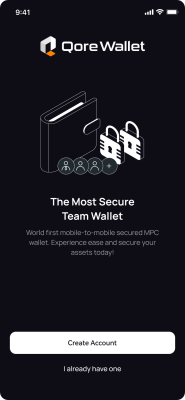
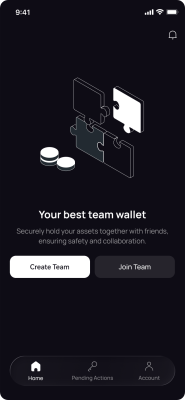
- Step 1Open QoreWallet and tap Create Account.
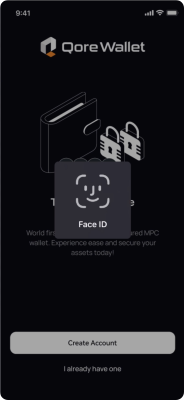
- Step 2Set up Face ID or your fingerprint when prompted.
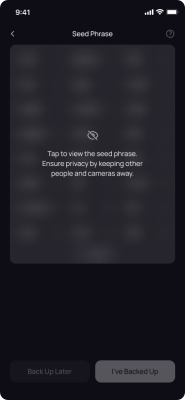
- Step 3Tap to reveal your seed phrase privately, write down all 24 words in order, then tap I’ve Backed Up.
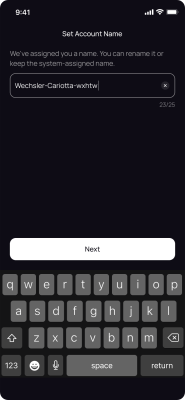
- Step 4Keep the name QoreWallet assigns, or rename it, then tap Next.
- Step 5Your account is created.
Restoring brings your account onto this device using your recovery phrase.
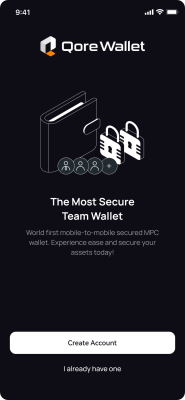
- Step 1Tap I already have one on the welcome screen.
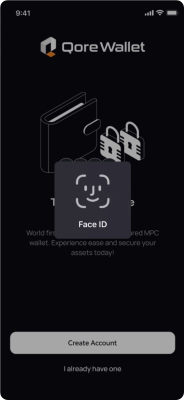
- Step 2Set up Face ID or your fingerprint when prompted.
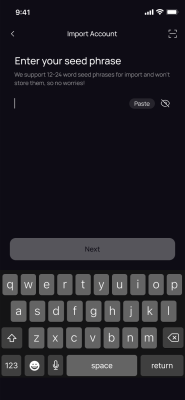
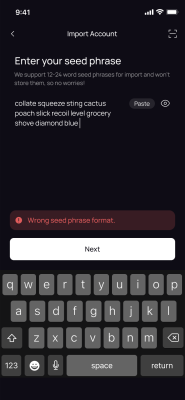
- Step 3Type or paste your 12 to 24 word seed phrase. QoreWallet does not store it.
- Step 4Tap Next. QoreWallet checks the format and imports your account, and you’re in. If you see “Wrong seed phrase format,” check for typos, extra spaces, or words in the wrong order.